
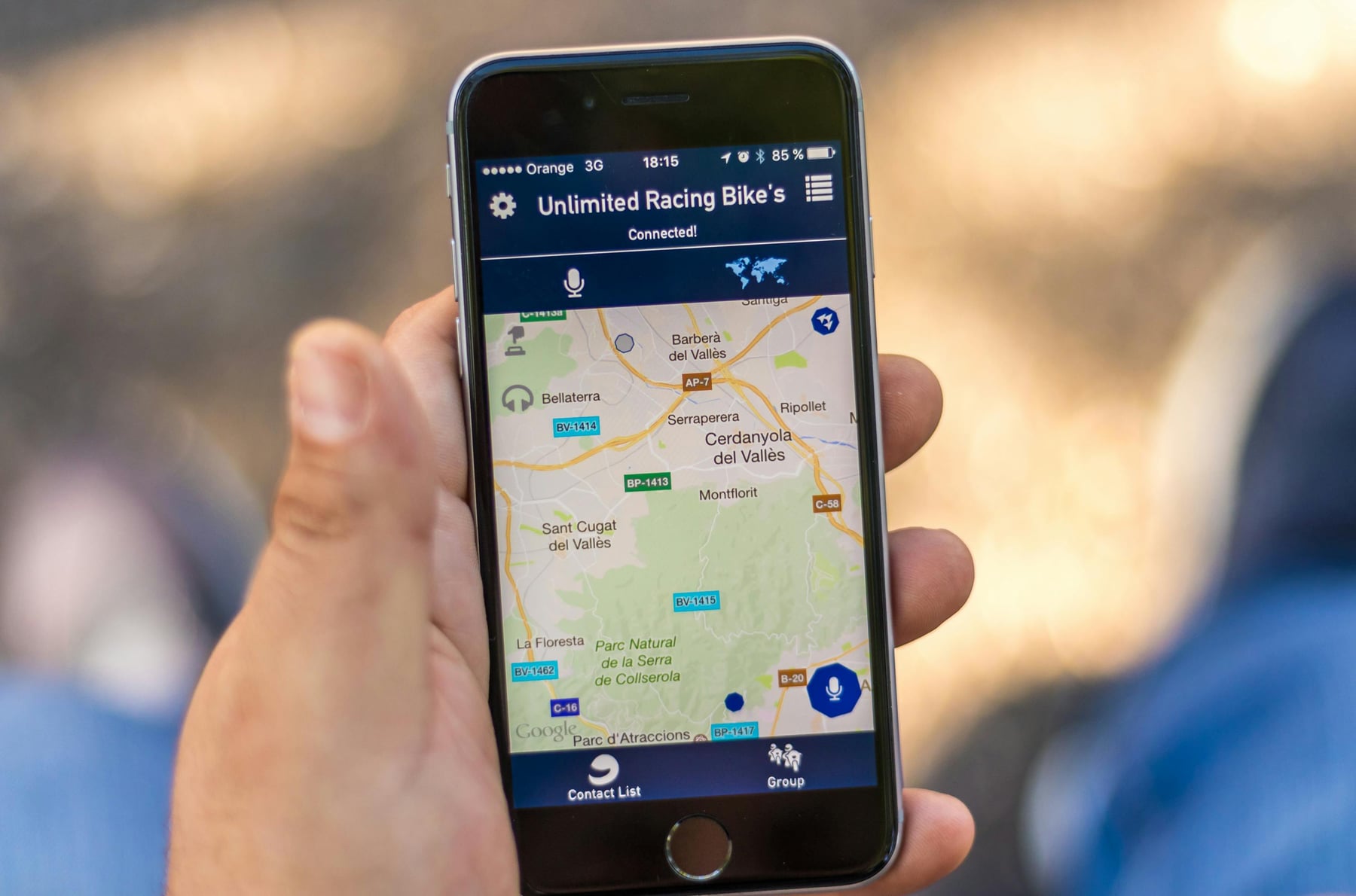
You moved your business two years ago. You updated your Google Business Profile (the free listing that shows your business on Google Maps), changed the address on your website, and figured that was that. Then a customer mentions they drove to your old location because "that is what Google showed." You check Yelp. Old address. Facebook. Old address. The Better Business Bureau listing you forgot you had. Old address.
This is a NAP consistency problem. And it quietly undermines your local search visibility every day you do not fix it.
What NAP Means and Why Google Cares
NAP stands for Name, Address, Phone number. It is the most basic information about your business, and it appears on dozens of websites whether you put it there or not. Your Google Business Profile, Yelp, Facebook, Apple Maps, Bing Places, your local chamber of commerce, industry directories, data aggregators that feed information to other directories. Your business exists in more places online than you think.
Google uses all of these sources to verify your business information. When the name, address, and phone number match everywhere, Google gains confidence that it has accurate data. When they do not match, Google has a problem. It does not know which version is correct. And when Google is not confident in your basic information, it is less likely to show your business prominently in local results. Why would it recommend a business to a searcher when it cannot even confirm the address is right?
The frustrating part is that inconsistencies are rarely your fault. You did not put your business on most of these directories. Data aggregators did. When you moved, changed phone numbers, or slightly modified your business name, the old information stayed frozen on sites you never knew about. It is still there, and Google is still reading it.
The Most Common Ways NAP Gets Messy
The obvious one is a business move. You change locations, update the places you know about, and miss the 30 other directories that still list the old address.
Phone number changes create the same problem. If you switched from a personal cell to a business line, or added a toll-free number alongside your local number, different directories may show different numbers. Google sees two different phone numbers and does not know which one to trust.
Business name variations are sneakier. Your Google Business Profile says "Anderson Plumbing." Yelp says "Anderson Plumbing LLC." Facebook says "Anderson Plumbing & Heating." The Better Business Bureau says "Anderson Plumbing Services Inc." To a human, these are obviously the same business. To a search engine comparing text strings across thousands of websites, they are four different data points that do not quite match.
Even address formatting matters more than you would expect. "123 Main Street Suite 200" versus "123 Main St Ste 200" versus "123 Main St #200" can register as inconsistencies. (Is this pedantic? Yes. Does it matter anyway? Also yes.)
How to Audit and Fix It in One Afternoon
This is not complicated work. It is tedious work. But you only need to do it once, and then check it yearly or whenever your business information changes.
Find your listings. Open Google in an incognito window and search your exact business name. Look at every result on the first two to three pages. Open each listing and write down what name, address, and phone number it shows. Then search your business name plus your city for good measure. You will find directories you did not know you were on.
Pick your canonical version. Decide on the exact name, address, and phone number you want everywhere. Not close enough. Exact. Same spelling. Same abbreviations. Same suite number format. Whatever your Google Business Profile shows should be the template, since that is the listing Google trusts most.
Update each listing. This is the tedious part. Go to each directory, claim the listing if you have not already, and update the information to match your canonical version. Yelp, Facebook, Bing Places, Apple Maps, the BBB, your local chamber of commerce, any industry-specific directories. Some of these take five minutes. Some require you to wait for a verification postcard or phone call. Budget an afternoon.
Check the data aggregators. Data Axle and Neustar Localeze feed business information to dozens of smaller directories. If you update your information at the aggregator level, the corrections trickle down over time. You can submit updates directly through their websites.
Set a calendar reminder. Once everything matches, set a reminder to check again in six months or whenever you change your address, phone number, or business name. Keeping NAP consistent going forward is much easier than fixing years of drift.
The whole process takes an afternoon for a typical single-location business. It is not exciting. But the businesses that show up consistently in local search results are usually the ones that got the boring stuff right while their competitors ignored it.
For more on local SEO fundamentals, our local SEO checklist covers the full set of ranking factors, and our Google Business Profile optimization guide walks through the listing that matters most.